Category: HOW TO
-

How to Apply for Scholarships Online
Looking for a scholarship to study abroad? This article provides guidance on how to apply online for scholarships to attend your desired university. A lot of universities provide fully funded scholarships to students who surpass academically or come from financially disadvantaged backgrounds. In addition, the government, universities, and organizations offer scholarships to qualified students. Such…
-

How to Cash Out a Life Insurance Policy
How to Cash Out a Life Insurance Policy – In recent times, life insurance has become very important to Americans. With this policy, you can provide financial help for the loved ones you leave behind when you pass away. The best part of purchasing this policy is that it offers a financial safety net for…
-

How to Connect Spotify to Hulu
Ever wish you could dive into your favorite music playlists while binge-watching your beloved TV series? Well, you can now, when you connect your Spotify account to your Hulu account. Imagine seamlessly transitioning from grooving to your favorite tunes to catching up on the latest episodes of shows, all within the same platform. It’s like…
-

How to Video Call Between Android and iPhone
Are you using an Android and want to video call a friend who uses an iPhone, or vice versa? You don’t need to panic. Video calling between an Android and an iPhone is not only possible, but it is also very easy. Despite the division between smartphones, there are plenty of ways you can easily…
-

How to Clear the Cache on Your iPhone
One quick way to free up space and potentially improve your iPhone performance is to clear up the cache on it. Just like on other devices, for every app you visit on your iPhone, a bit of information on those apps is stored on your device so that you can get them faster when you…
-

How to Connect Spotify to Alexa
Amazon Alexa devices can help you with various tasks like playing music, smart lights, and many more. When you connect Spotify to your Alexa-equipped devices, you can listen to your playlists and songs using your voice commands. You can then make Spotify your default streaming service. So you can just ask Amazon Alexa to play…
-

How to Screenshot on a Chromebook
Screenshots can be very important for different reasons. For instance, you can send copies of messages to show a friend or save a tweet that you think may be deleted minutes later. In recent times, laptops have different ways you can take screenshots, and Chromebook is no exception. However, Chromebooks can be somewhat confusing for…
-

Can You Pay For Car Insurance With A Credit Card?
Can I pay for car insurance with a credit card? As a shopper or credit card user, you might rely on it to cover expenses that you view as part of your loans or debts. With advancements in personal finance, managing regular payments has vastly improved, especially with the advent of credit facilities and digital banking.…
-

How to Connect AirPods to a Samsung TV
Some of us have a Samsung TV and AirPods but have little or no knowledge of how to connect these devices to each other. As users, you can easily connect your AirPods to your Samsung TV with any generation of AirPods. Depending on the type of Samsung TV or AirPods you have, the method of…
-
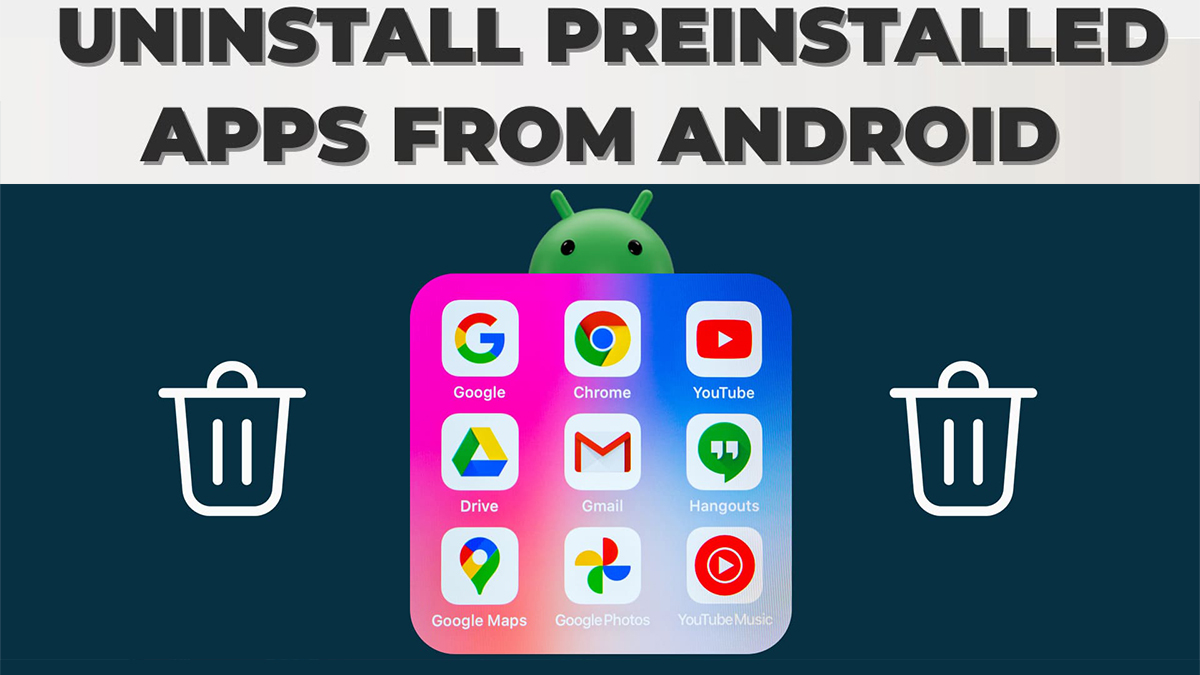
How to Delete Pre-installed Apps on Android
Most Android phones come with pre-installed apps. While some of them may be useful, others may be unwanted and end up taking up unnecessary storage space. Whether you use Samsung, Google, Sony, or any other Android device, you will agree that certain apps come with them. By default, it is not possible to uninstall them.…